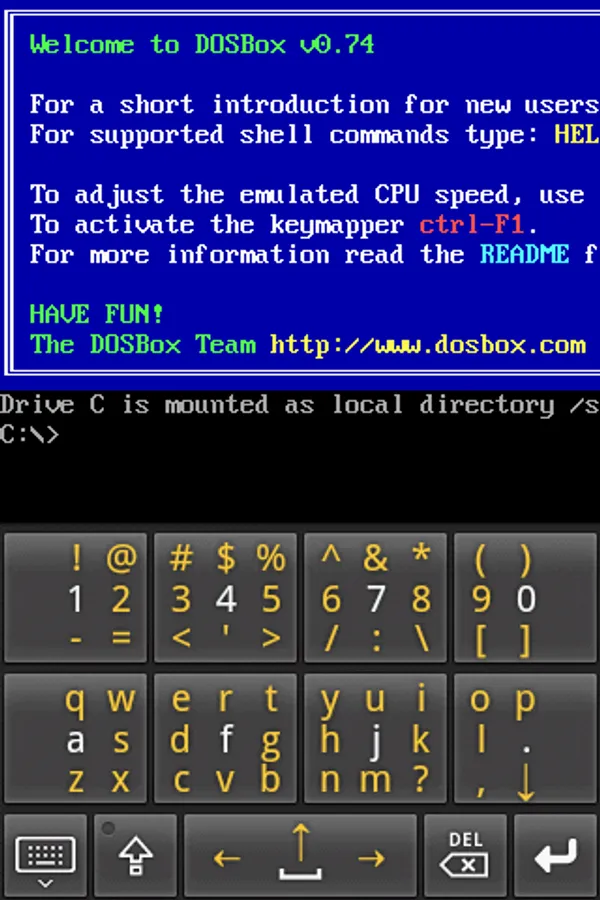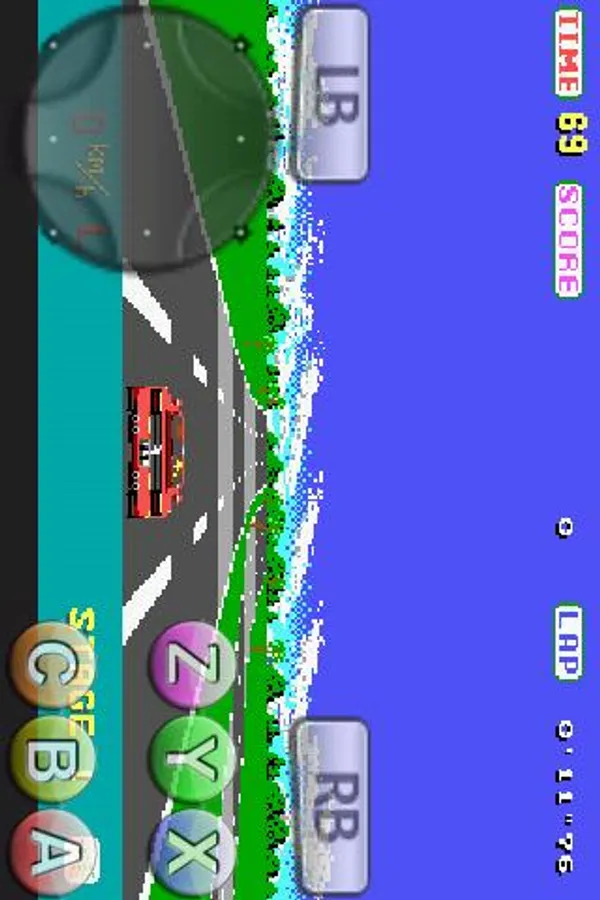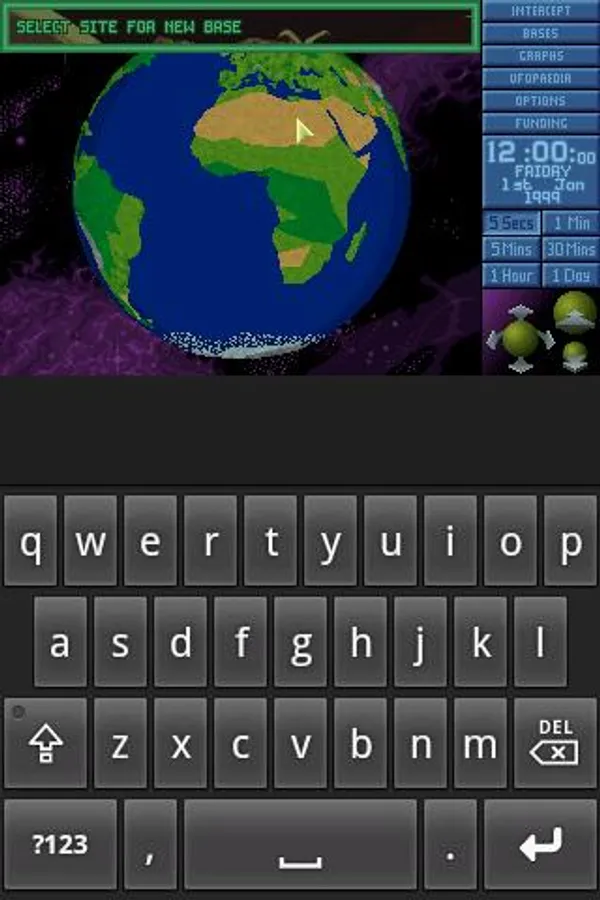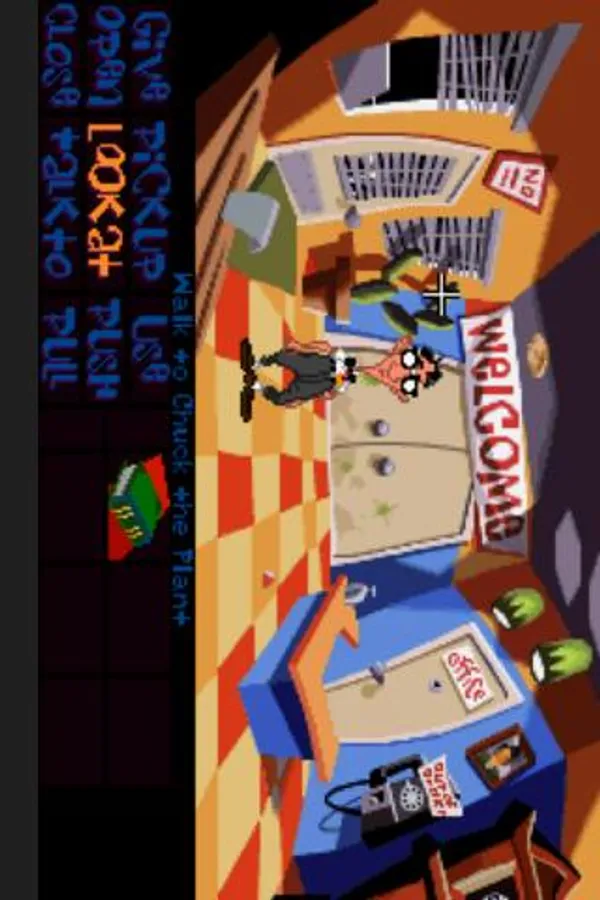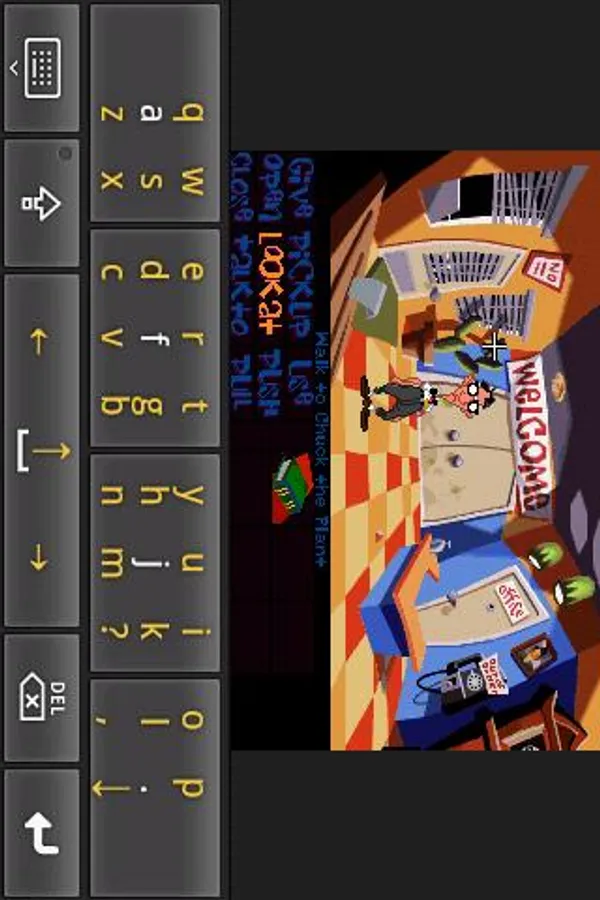
In this DOS emulator app, users can run classic PC games on Android devices with keyboard and mouse support. Includes sound support, virtual input options, and compatibility features for various devices.
AppRecs review analysis
AppRecs rating 3.3. Trustworthiness 0 out of 100. Review manipulation risk 0 out of 100. Based on a review sample analyzed.
★★★☆☆
3.3
AppRecs Rating
Ratings breakdown
5 star
42%
4 star
17%
3 star
5%
2 star
0%
1 star
36%
What to know
✓
Authentic reviews
Natural distribution, no red flags
⚠
High negative review ratio
36% of sampled ratings are 1–2 stars
About AnDOSBox
A DOSBox port for Android. DOSBox is a x86 emulator developed by DOSBox Team for playing old PC games.
** First practical DOS emulator for Android **
** Apps of the Week, ZDNet, Sept 2011 **
IMPORTANT: Like other emulators this software requires sdcard access and lots of resources to run properly. Make sure you have > 50MB free memory, and your sdcard can be accessed through /sdcard.
We appreciate any rating, comments and suggestions, but in case you need some answer, please check faq or email us directly.
Regarding GPL please refer to home page.
Features
========
-Portrait and Landscape mode with/without resize.
-Sound support
-Software and Hardware keyboard input
-Support entering special keys like Ctrl, ESC and Function keys
-Support Virtual TrackPad, Virtual Joystick, and Pen mode
-Support mouse control with physical Trackball or Mouse
Regarding arrows and special keys(like ctrl, alt, shift): AnDOSBox is designed to work with external input solution, seek out and use anything you see fit. We also built an "Extra layout" plugin for our Flit Keyboard. (see AnDOSBox home page for details). For enhanced gaming keypad, please check out our "GameKeyboard" app.
Known Issues
============
-On some device it failed to call out the software keyboard. In this case, try holding the "menu" hardware key, or turn on (menu->input mode->show keyboard fix).
-In some program sound is broken (stop after awhile) when Speed Patch C is turned on.
-Some devices with physical keyboard failed to input additional characters by pressing Alt+Key. Please refer to FAQ General Usage #1.
-It's said that some high-end snapdragon based devices have poor performance. We never received an official report, please contact developer in this case.
If you have problem running a particular DOS program, please check with DOSBox Team for compatibility before report to us.
** First practical DOS emulator for Android **
** Apps of the Week, ZDNet, Sept 2011 **
IMPORTANT: Like other emulators this software requires sdcard access and lots of resources to run properly. Make sure you have > 50MB free memory, and your sdcard can be accessed through /sdcard.
We appreciate any rating, comments and suggestions, but in case you need some answer, please check faq or email us directly.
Regarding GPL please refer to home page.
Features
========
-Portrait and Landscape mode with/without resize.
-Sound support
-Software and Hardware keyboard input
-Support entering special keys like Ctrl, ESC and Function keys
-Support Virtual TrackPad, Virtual Joystick, and Pen mode
-Support mouse control with physical Trackball or Mouse
Regarding arrows and special keys(like ctrl, alt, shift): AnDOSBox is designed to work with external input solution, seek out and use anything you see fit. We also built an "Extra layout" plugin for our Flit Keyboard. (see AnDOSBox home page for details). For enhanced gaming keypad, please check out our "GameKeyboard" app.
Known Issues
============
-On some device it failed to call out the software keyboard. In this case, try holding the "menu" hardware key, or turn on (menu->input mode->show keyboard fix).
-In some program sound is broken (stop after awhile) when Speed Patch C is turned on.
-Some devices with physical keyboard failed to input additional characters by pressing Alt+Key. Please refer to FAQ General Usage #1.
-It's said that some high-end snapdragon based devices have poor performance. We never received an official report, please contact developer in this case.
If you have problem running a particular DOS program, please check with DOSBox Team for compatibility before report to us.