
With this file management app, you can organize and share media files and documents easily. Includes thumbnail and list views, editing options, and data transmission support.
AppRecs review analysis
AppRecs rating 2.2. Trustworthiness 72 out of 100. Review manipulation risk 23 out of 100. Based on a review sample analyzed.
★★☆☆☆
2.2
AppRecs Rating
Ratings breakdown
5 star
20%
4 star
7%
3 star
8%
2 star
11%
1 star
53%
What to know
✓
Low review manipulation risk
23% review manipulation risk
⚠
Mixed user feedback
Average 2.3★ rating suggests room for improvement
⚠
High negative review ratio
64% of sampled ratings are 1–2 stars
About JD Drive
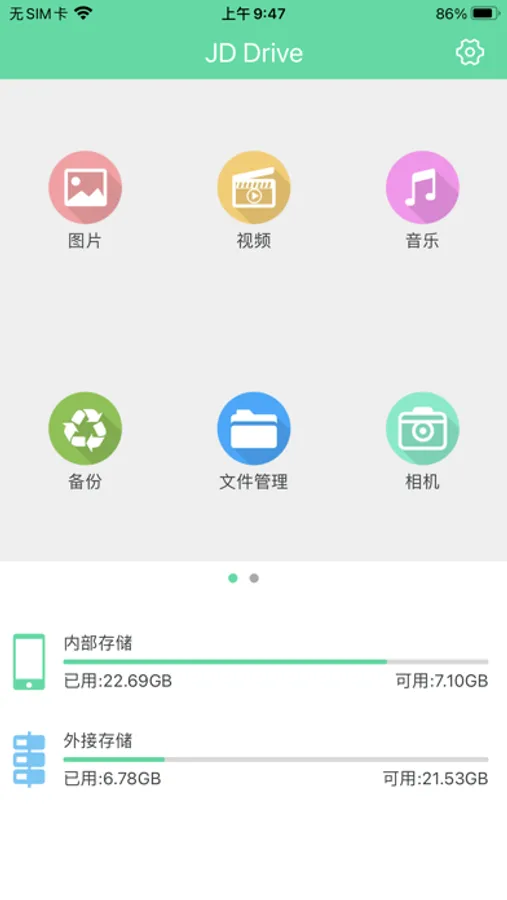
•The main interface displays Media thumbnails :video, photo, music
• Supports list / thumbnail view, support sharing operation for photos, music and documents
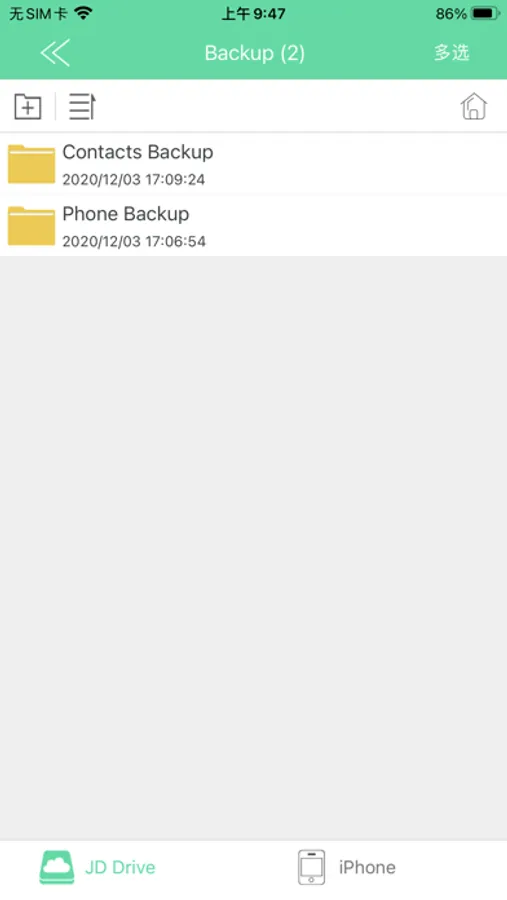
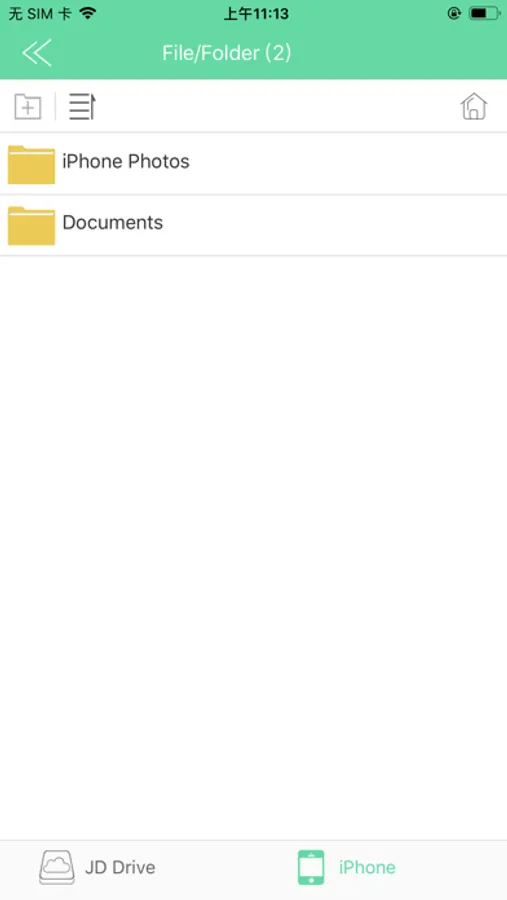
• Support copy/cut/delete/create/rename operation and support local/iStorage data transmission .
• Support to play the photos by slideshow mode
• Support music artwork shows, repeat mode setting, time line drag operation
• Document: Support formats of .keynote、.numbers、.page、.xls/.xlsx, .doc/docx、pdf、txt、ppt/pptx
JD Drive Screenshots
Tap to Rate:
Reviews for JD Drive
old water
No option to allow access to photos
I can’t even back up anything because it says “warning please allow to turn on access” and when you go to app settings, it doesn’t even have the option to allow access to photos Waste of money. Return it while u still can
Thekingofbattle
Why did I get this thing…
Well…I got it to quickly transfer videos from my phone to my computer. Well…that’s not happening. At all. It seems fairly intuitive…but doesn’t transfer anything over. Do yourself a favor…don’t get this one.