In this spreadsheet app, you can create, edit, and visualize data with tables, charts, and images. Includes collaboration tools, customizable templates, and support for importing Excel files.
AppRecs review analysis
AppRecs rating 4.5. Trustworthiness 77 out of 100. Review manipulation risk 27 out of 100. Based on a review sample analyzed.
★★★★☆
4.5
AppRecs Rating
Ratings breakdown
5 star
82%
4 star
9%
3 star
3%
2 star
2%
1 star
4%
What to know
✓
Low review manipulation risk
27% review manipulation risk
✓
Credible reviews
77% trustworthiness score from analyzed reviews
⚠
Pricing complaints
Many low ratings mention paywalls or pricing
About Numbers: Make Spreadsheets
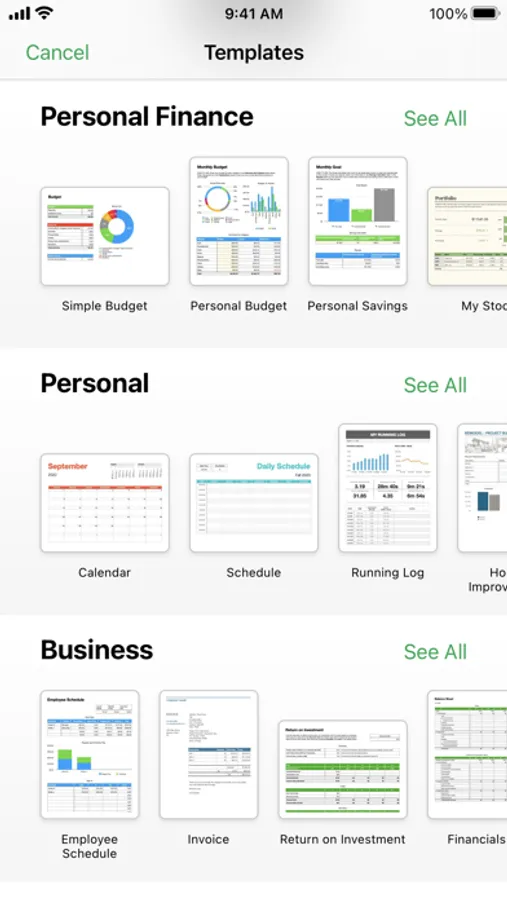
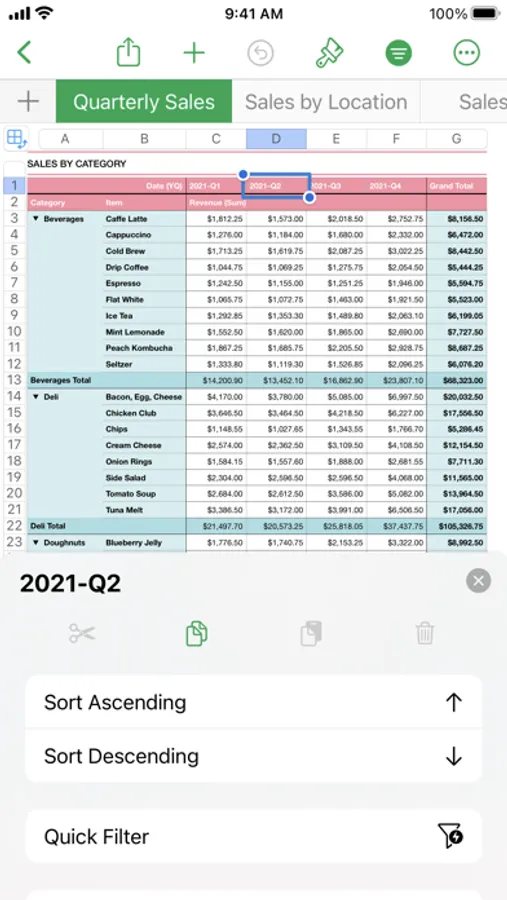
Create gorgeous spreadsheets with Numbers on iPhone, iPad and Mac. Get started with Apple-designed templates for everything from a home budget to an invoice. Add tables, charts, text, and images anywhere on the flexible canvas. Animate your data with interactive charts, find patterns with pivot tables, and use hundreds of powerful functions.
Get Started Quickly
• Work from iPhone, iPad, Mac, or even a PC with iCloud.com
• Select from a wide variety of Apple-designed templates
• Add from a library of shapes, tables, and charts with pre-defined styles
• Import and edit Microsoft Excel and CSV files
Create Beautiful Spreadsheets
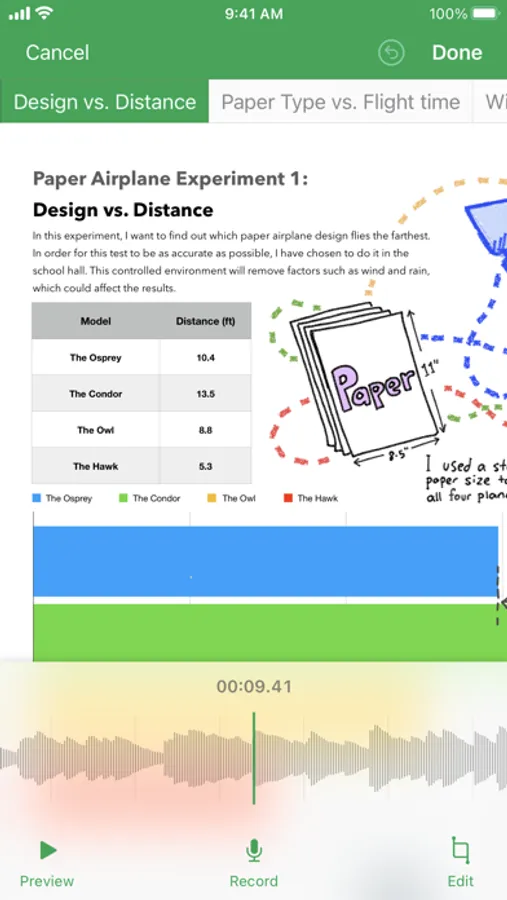
• Place tables, charts, text, and images anywhere on the flexible canvas
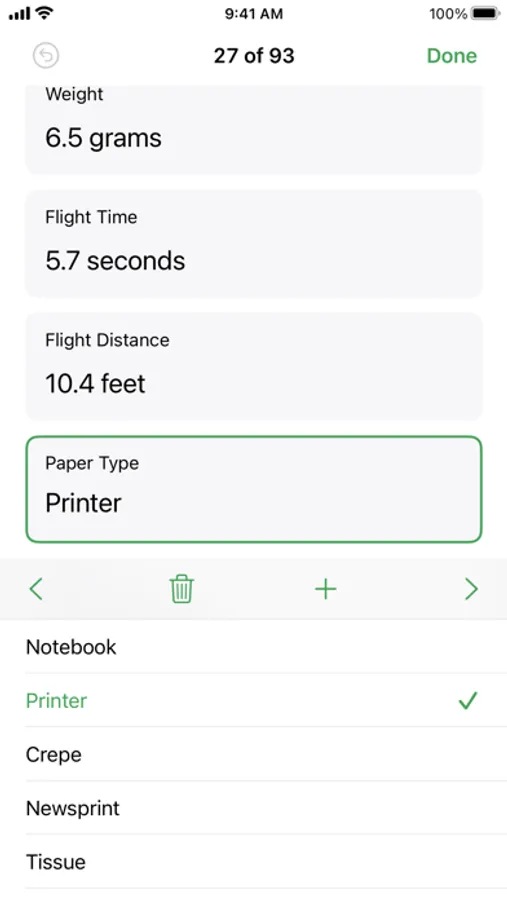
• Create a form on iPhone or iPad to quickly enter data on the go
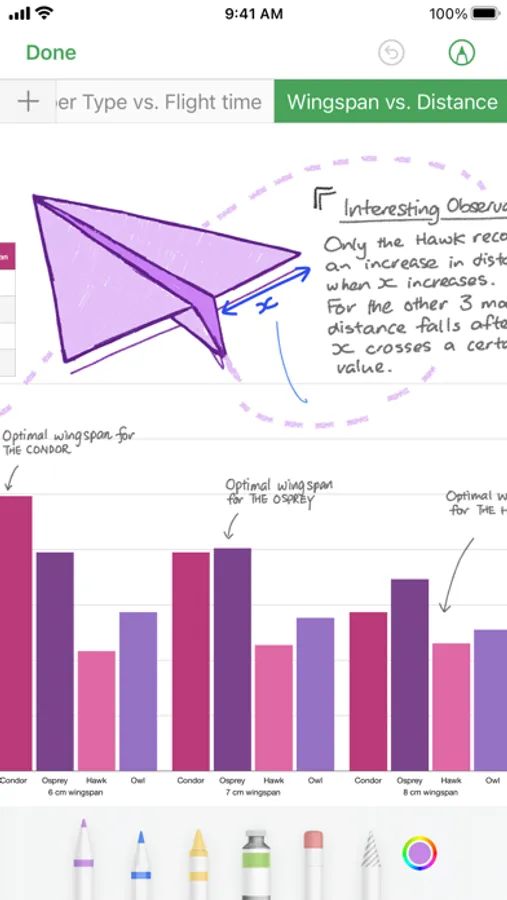
• Draw or write with Apple Pencil on iPad
Formulas for Everyone
• Choose from hundreds of powerful functions, including XLOOKUP and RegEx
• Search the integrated function browser for built-in help and sample formulas
• Easily add stock information to spreadsheets
• See results from a single formula across multiple cells using spilling arrays
Everything Adds Up Beautifully
• Use pivot tables and categories to see your data in a whole new way
• Quickly organize and summarize tables to gain new insights
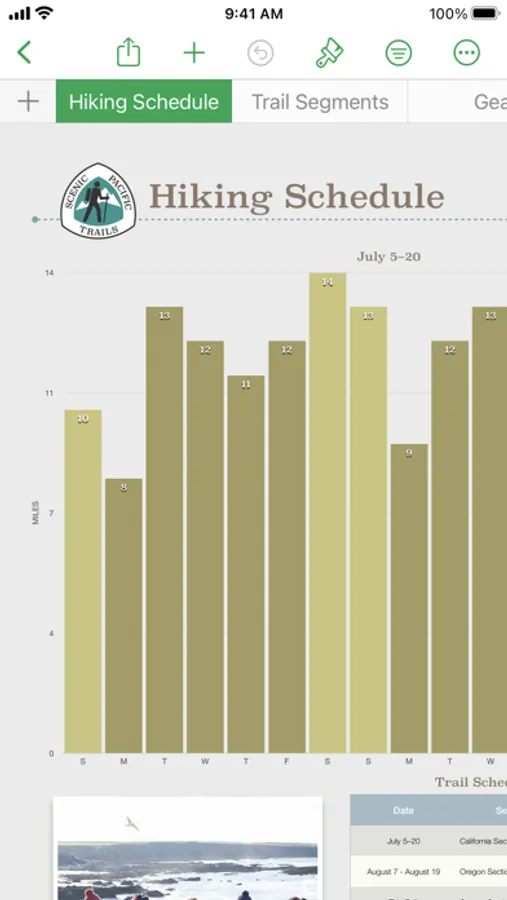
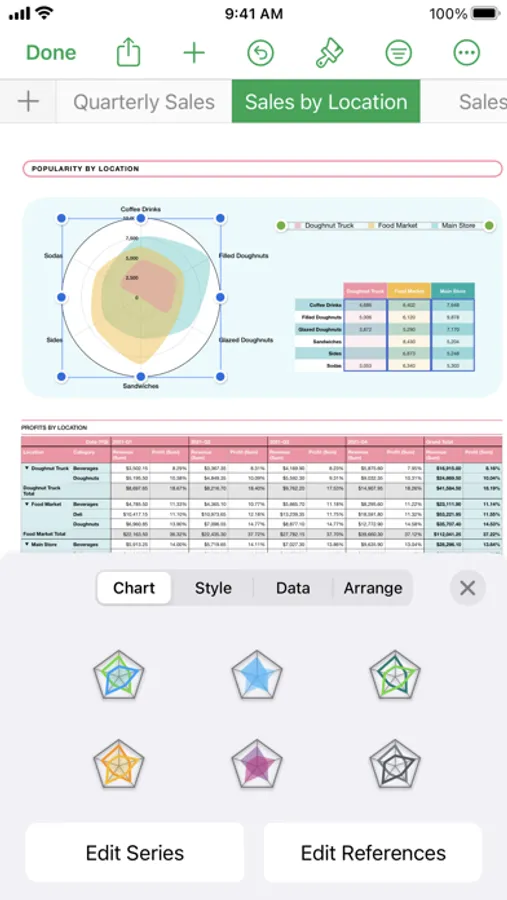
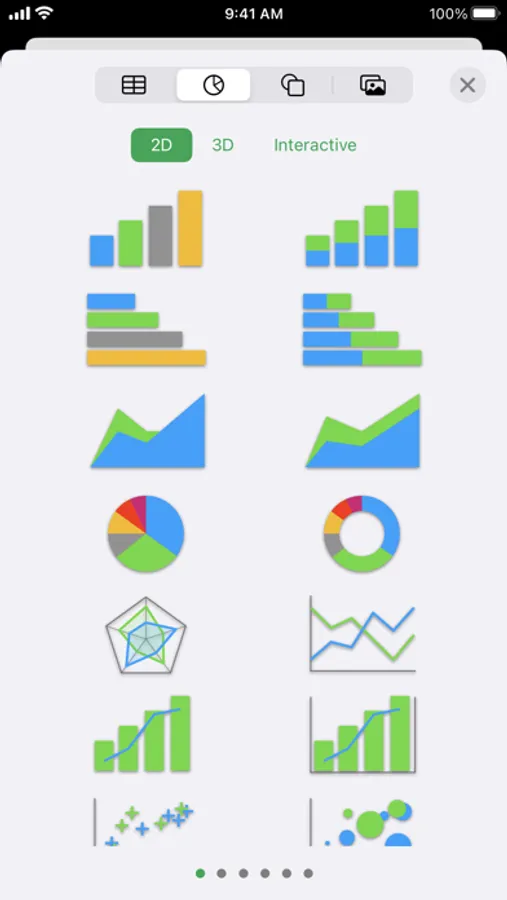
• Insert gorgeous 2D and 3D charts, including bar, column, line, area, pie, donut, and radar charts
• Animate data with interactive column, bar, scatter, and bubble charts
• Easily filter through large tables for specific values, text, or duplicate entries
• Change values in cells using sliders, steppers, checkboxes, pop-ups, and star ratings
Share with Anyone
• Share your spreadsheet publicly or collaborate with specific people using iCloud or Box
• Make changes from any device and see a list of changes from others in real-time
• Export your spreadsheet in CSV, TSV, PDF, and Microsoft Excel
Apple Intelligence
• Use Writing Tools to proofread, rewrite, summarize, and compose text
• Create your own fun images with Image Playground based on a description
Get Started Quickly
• Work from iPhone, iPad, Mac, or even a PC with iCloud.com
• Select from a wide variety of Apple-designed templates
• Add from a library of shapes, tables, and charts with pre-defined styles
• Import and edit Microsoft Excel and CSV files
Create Beautiful Spreadsheets
• Place tables, charts, text, and images anywhere on the flexible canvas
• Create a form on iPhone or iPad to quickly enter data on the go
• Draw or write with Apple Pencil on iPad
Formulas for Everyone
• Choose from hundreds of powerful functions, including XLOOKUP and RegEx
• Search the integrated function browser for built-in help and sample formulas
• Easily add stock information to spreadsheets
• See results from a single formula across multiple cells using spilling arrays
Everything Adds Up Beautifully
• Use pivot tables and categories to see your data in a whole new way
• Quickly organize and summarize tables to gain new insights
• Insert gorgeous 2D and 3D charts, including bar, column, line, area, pie, donut, and radar charts
• Animate data with interactive column, bar, scatter, and bubble charts
• Easily filter through large tables for specific values, text, or duplicate entries
• Change values in cells using sliders, steppers, checkboxes, pop-ups, and star ratings
Share with Anyone
• Share your spreadsheet publicly or collaborate with specific people using iCloud or Box
• Make changes from any device and see a list of changes from others in real-time
• Export your spreadsheet in CSV, TSV, PDF, and Microsoft Excel
Apple Intelligence
• Use Writing Tools to proofread, rewrite, summarize, and compose text
• Create your own fun images with Image Playground based on a description
Numbers: Make Spreadsheets Screenshots


Tap to Rate:
Reviews for Numbers: Make Spreadsheets
Aria! Your biggest fan!
🙄
It does fit my needs 😭
Tazil50
Downloads same file every time screen closes
I’m pretty annoyed with this current version. Everytime screen saver comes on it tries to re download the spreadsheet. Except it always locks and the cancel button doesn’t even work. You have to force it to quit then re open it. This is on an iPad Air 3